Google Lens: The Interesting Android App That Can Understand What Your Camera Sees Rating: 4.5/5
Google Lens: The Interesting Android App That Can Understand What Your Camera Sees
Have you ever looked at a plant, product, document, landmark or foreign-language sign and wondered what it was?

Your Android phone may already have a useful tool for this: Google Lens.
Google Lens uses computer vision and AI to understand objects and text in images. It can help users search for information, translate text, identify plants and animals, scan codes and explore products.
What Is Google Lens?
Google Lens is a visual search tool from Google. Instead of typing everything into a search box, you can point your camera at something or select an existing photograph.
Lens then analyzes the image and provides relevant information or actions.
It is available through the Google app and can also be accessed in places such as Google Photos and Chrome on supported devices.
1. Copy Text From a Photograph
One of the most useful features is text recognition.
Suppose you have a photograph containing a long paragraph, address, serial number or other text. Lens can recognize the text and allow you to copy it instead of typing everything manually.
This can be particularly useful for students, office workers and anyone who frequently works with printed documents.
2. Translate Languages Using Your Camera
Traveling to another country?
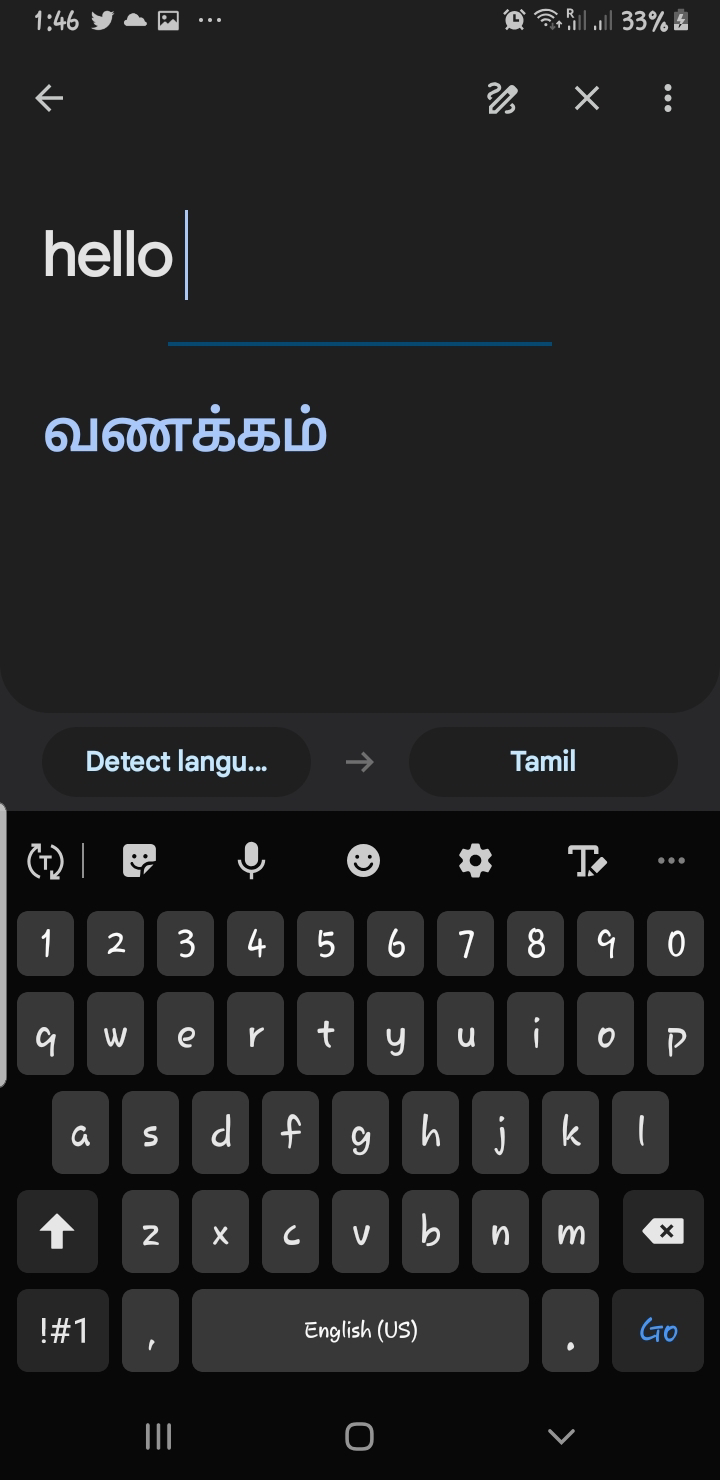
You can point your camera at a sign, menu or other written material and use Lens to translate text. Google says Lens can translate text into Google Translate-supported languages.
This makes the app especially useful for travelers.
3. Identify Plants and Animals
Found an unfamiliar plant in your garden?
Take a photograph and Lens can help identify it.
The same concept can be used with many animals and other objects. Google specifically lists plant and animal identification among Lens features.
Remember that visual identification is not always perfect, so important decisions should be verified using reliable sources.
4. Scan QR Codes and Barcodes
You don't necessarily need a separate QR-code application for every situation.
Google Lens can scan QR codes and barcodes using your phone's camera.
This can be convenient when accessing websites, product information or other encoded information.
5. Search for Products
Imagine seeing a pair of shoes, a piece of furniture or another product that you like.
Instead of trying to describe it with words, you can photograph it and use visual search to find similar products.
Google has also expanded Lens shopping capabilities to show information such as product details, prices, deals, reviews and where available, purchasing information.
6. Learn About Places Around You
Lens can also help users learn about landmarks, restaurants and storefronts.
Depending on availability and the type of location, results can include information such as ratings, opening hours and other details.
This can be particularly useful while traveling.
7. Homework and Learning Assistance
Students can use Lens to photograph certain educational questions and receive information and explanations.
Google describes Lens as providing step-by-step help for subjects including mathematics, history, chemistry and biology.
Students should use this as a learning aid rather than simply copying answers.
Is Google Lens Free?
Google Lens is available as a Google app/service for Android, and the Google Play listing currently shows it as available from Google LLC. Some features may have regional, language or internet-connection limitations.
Advantages of Google Lens
Easy to use: You can search using a photograph instead of typing.
Useful for travel: Translation and visual identification can be helpful when visiting unfamiliar places.
Saves time: Copying text from images can be much faster than manually typing.
Educational: Students can use visual search to explore unfamiliar topics.
Shopping assistance: Visual search can help users discover similar products.
Things to Keep in Mind
Google Lens is powerful, but its results are not guaranteed to be correct every time.
Users should also be careful when photographing private documents, personal information or sensitive material.
Some features may vary depending on your country, language, Android device and internet connection.
Final Verdict
Google Lens is one of those Android tools that can be surprisingly useful once you understand what it can do.
From copying text and translating languages to identifying plants, scanning QR codes and finding products, the app turns your smartphone camera into a powerful visual search tool.
If you have an Android phone, it is worth checking whether Google Lens is already available on your device before installing another app for these tasks.
Rating: 4.5/5
Best for: Students, travelers, shoppers, office workers and anyone who wants to search the world using their smartphone camera.

Comments